Gamer Portal
Details
"An immersive gaming library engineered for speed and optimized latency." Gamer Portal is a comprehensive and user-friendly platform designed to serve as a universal hub for gamers. With a strong focus on speed, ease of use, and low latency, it provides a seamless experience for gamers to store and purchase games, ensuring quick access to their favorite titles and an optimal gaming experience.
type
Desktop App
Year
2021
role
UI, UX Design / Visual Design / Branding
stack
Figma
Minimalist white 3D cube icon above a blue and black progress loading bar on a black background.
White 3D cube icon above a blue loading bar on a black background.
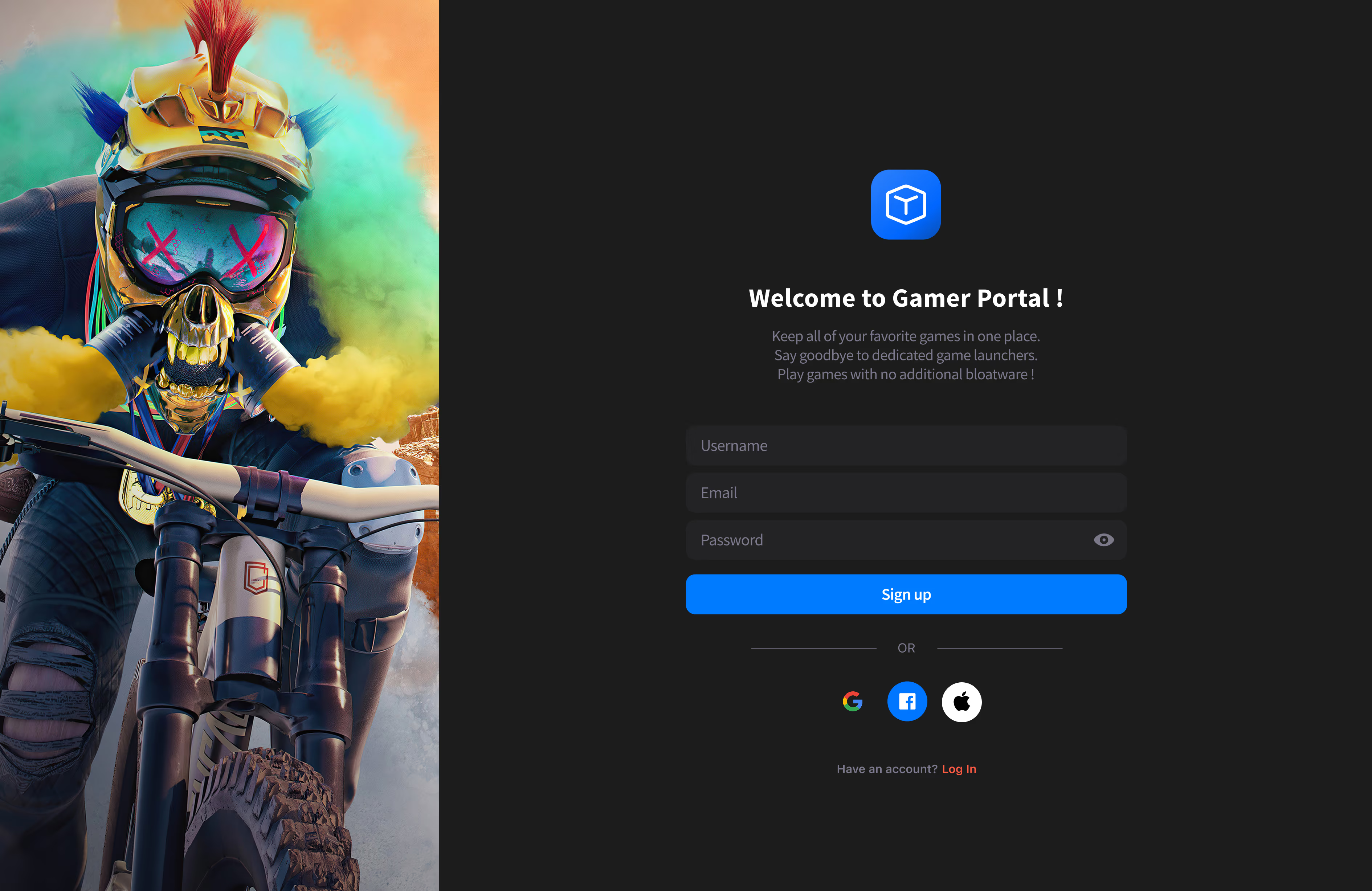
Login screen for Gamer Portal with fields for username, email, password, and social login options beside an image of a biker wearing a colorful helmet and gas mask emitting yellow smoke.
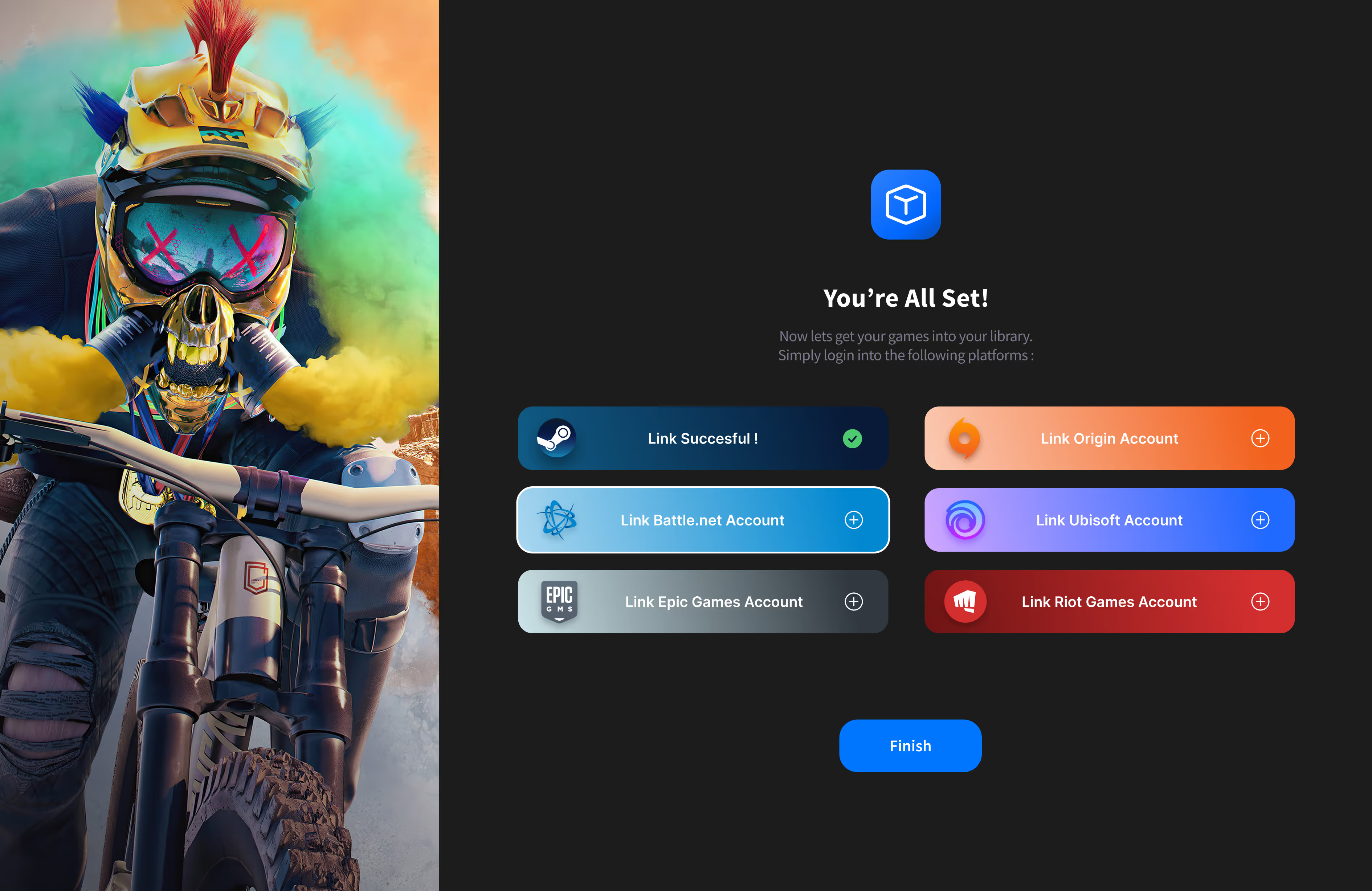
Gaming account linking screen with a cyclist wearing a colorful helmet and mask on the left, and options to link Steam, Origin, Battle.net, Ubisoft, Epic Games, and Riot Games accounts on the right.
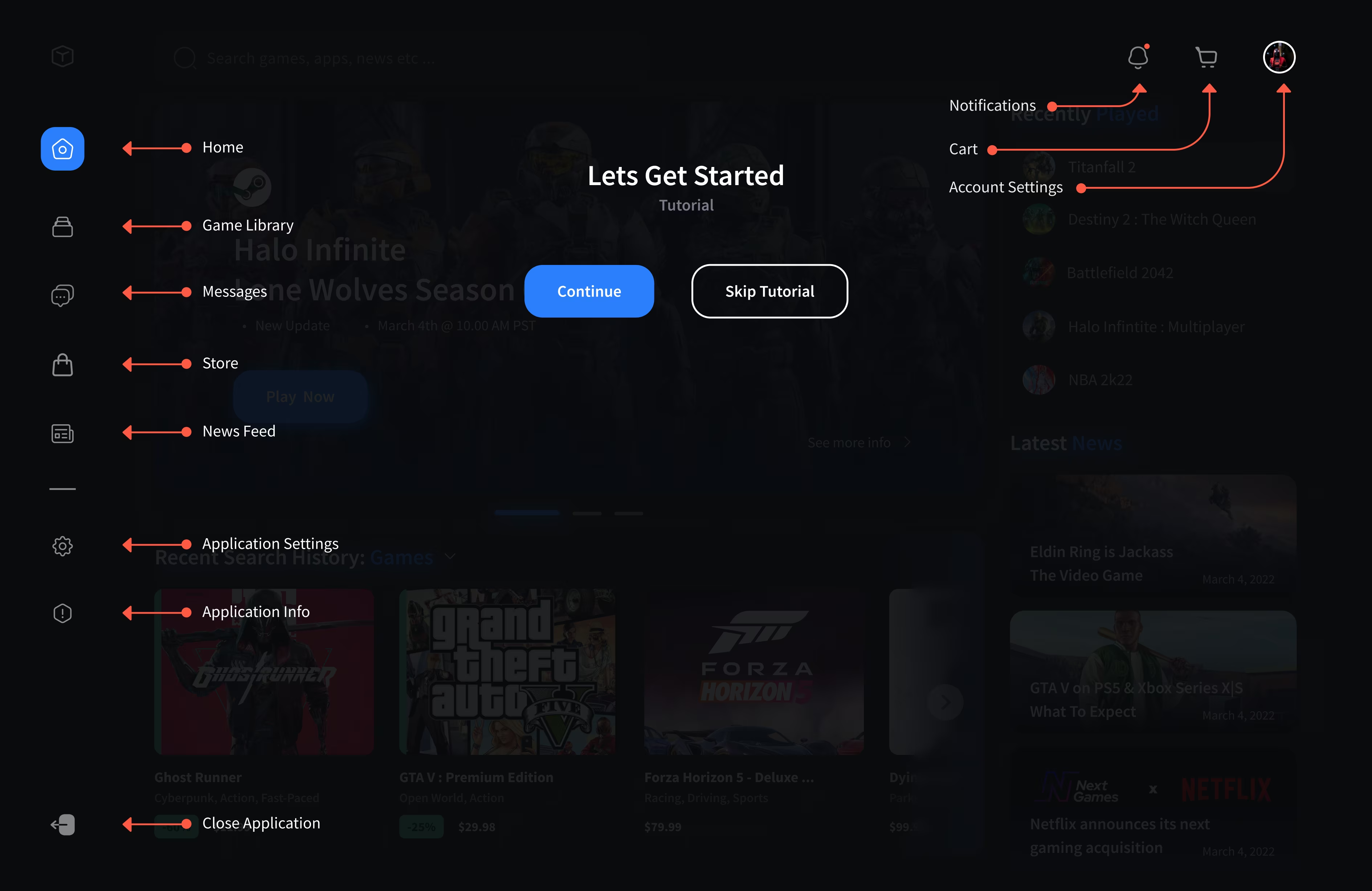
Game app tutorial screen displaying navigation menu on the left labeled Home, Game Library, Messages, Store, News Feed, Application Settings, Application Info, Close Application, with buttons Continue and Skip Tutorial in center and icons for Notifications, Cart, and Account Settings on top right.
Home
The home screen acts as a central hub where users can instantly jump back into their most recent games or catch up on the latest industry updates. A "Recently Played" sidebar and horizontal search history eliminate the need to dig through menus, keeping the most relevant content front and center. The layout is optimized to load assets quickly, ensuring a smooth transition from the desktop to the dashboard.
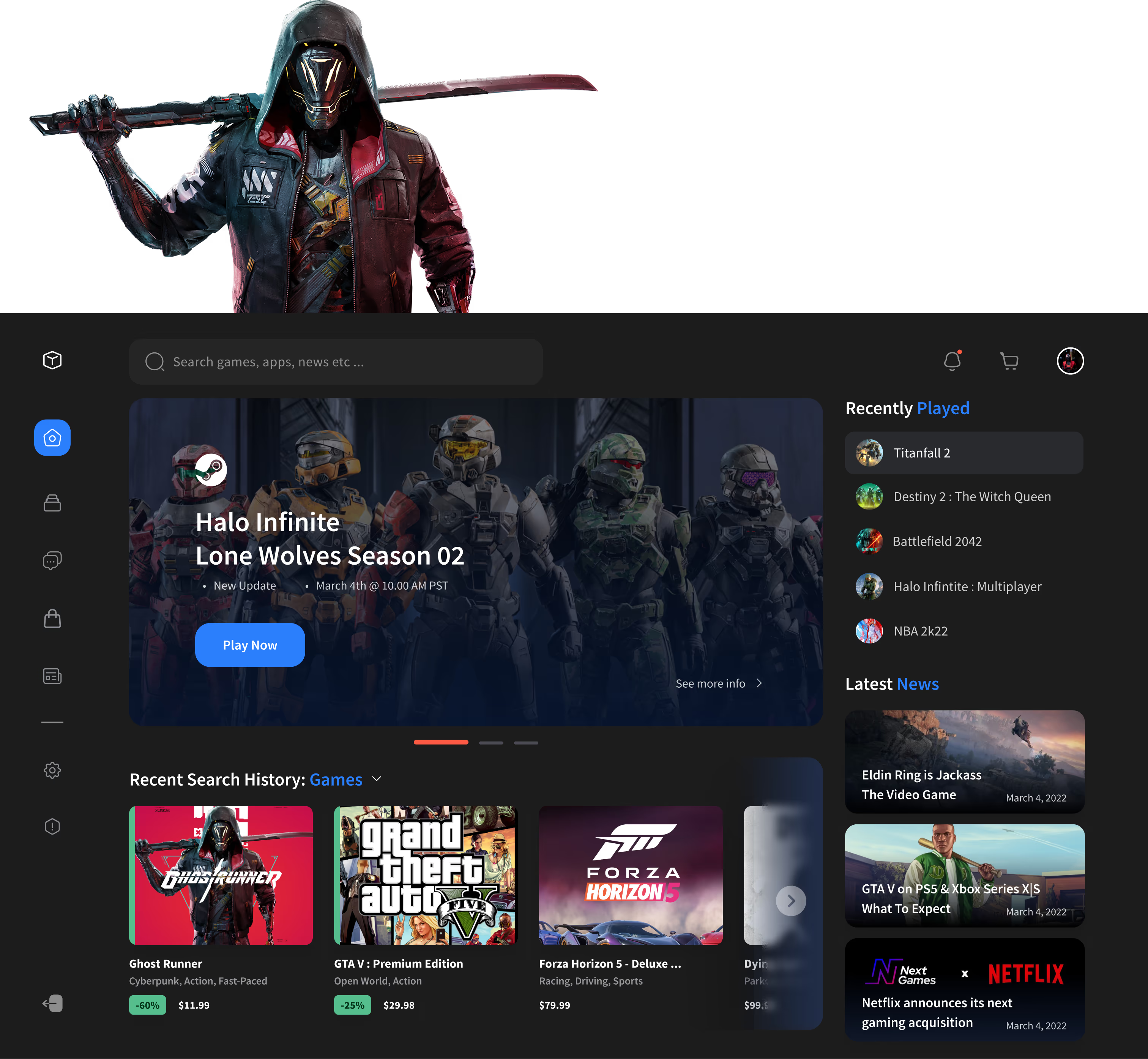
Gaming platform interface with a search bar, sidebar menu, featured game Halo Infinite Lone Wolves Season 02, recent search history including Ghost Runner, GTA V, and Forza Horizon 5, and a news section with gaming headlines.
Game Library
The library is a high-performance visual database that handles large collections with zero lag. Users can launch titles instantly via a "Play Now" hover state or double-click functionality, bypassing unnecessary sub-menus. The grid layout is optimized for rapid scanning, with smart-loading assets and persistent status indicators that provide essential metadata without taxing system resources.
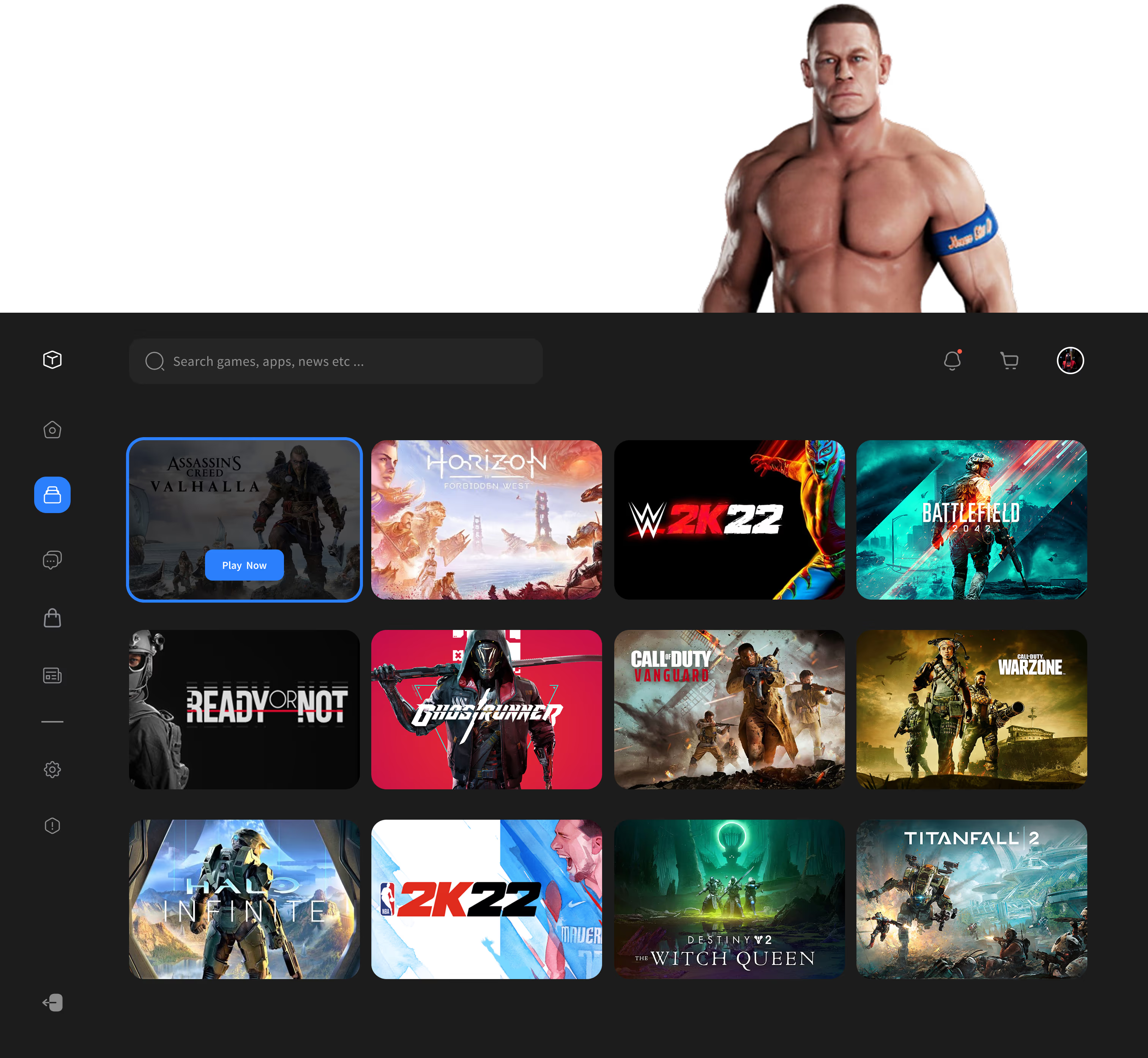
Game library interface showing thumbnails for Assassin's Creed Valhalla, Horizon Forbidden West, WWE 2K22, Battlefield 2042, Ready or Not, Ghostrunner, Call of Duty Vanguard, Call of Duty Warzone, Halo Infinite, NBA 2K22, Destiny 2: The Witch Queen, and Titanfall 2, with a shirtless muscular character above.
Messaging
The messaging interface is built for quick coordination, allowing users to manage multiple conversations and check friend statuses at a glance. A simplified chat window uses high-contrast bubbles for better readability, while the sidebar keeps recent threads organized by time. The layout is stripped of unnecessary elements to ensure that sending messages and inviting friends to a lobby is fast and responsive.
Gaming chat interface showing a conversation with user IamGroot22 discussing helping with a new dungeon and coordinating game play.
Store (Game Select)
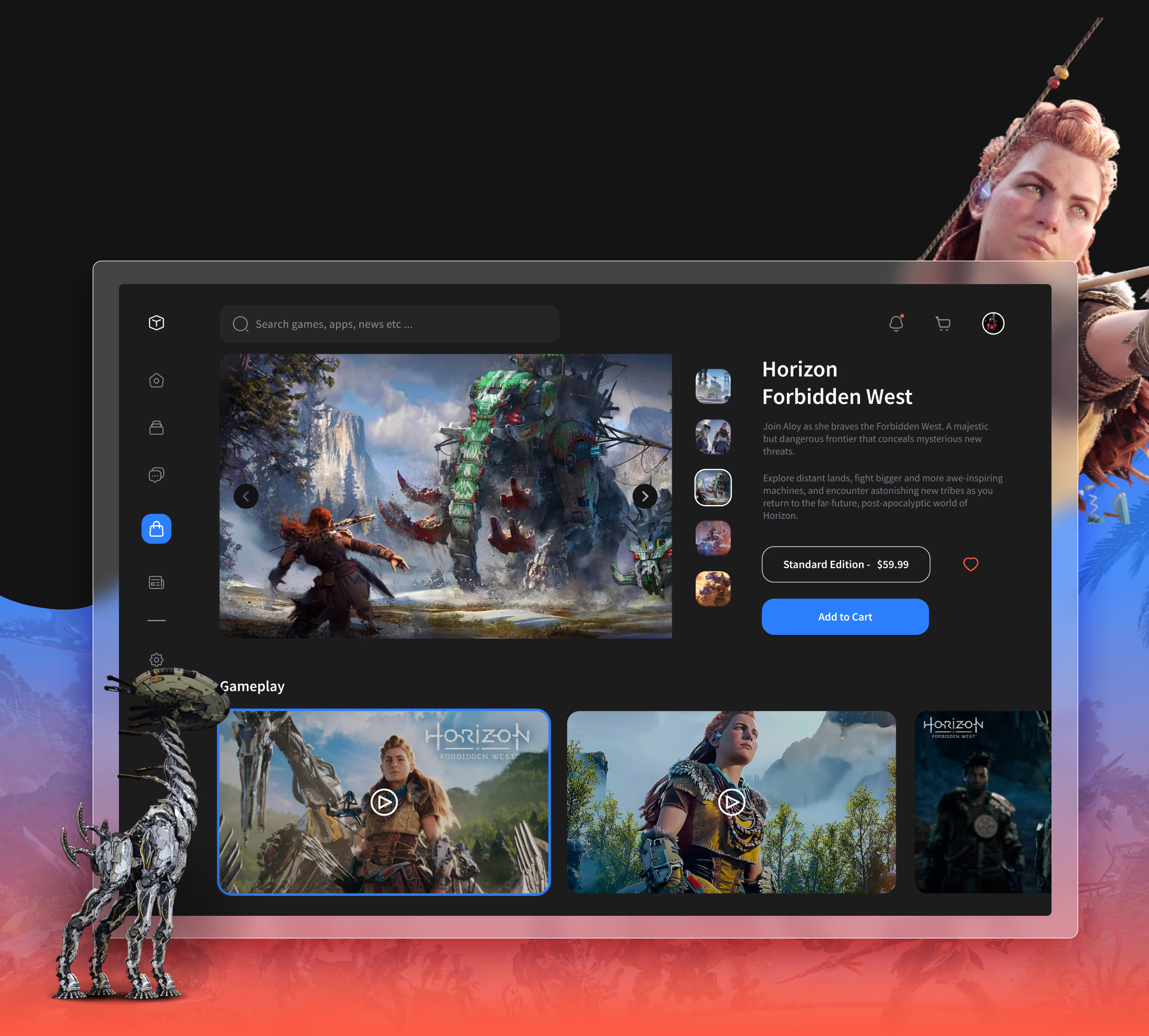
The store page provides a dedicated space for users to evaluate titles through high-resolution gameplay galleries and video trailers. A persistent sidebar on the right houses the edition selector, pricing, and a clear "Add to Cart" button, ensuring the checkout path is always accessible while the user browses media. To help with decision-making, the layout includes a one-tap wishlist heart and quick-access thumbnails, allowing users to dive into game details or save them for later with minimal clicks.
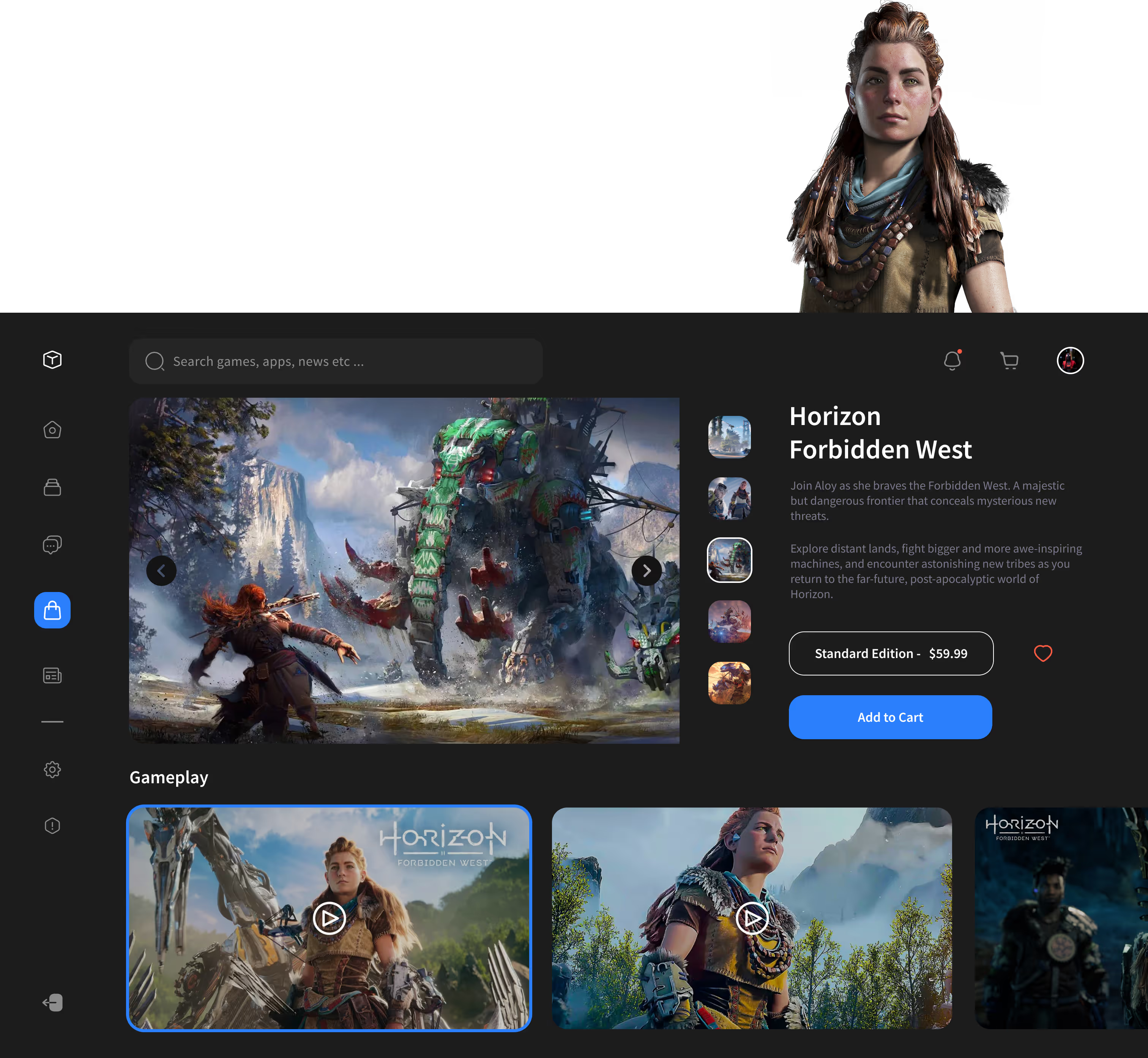
Video game shop interface featuring Horizon Forbidden West with character Aloy facing a large mechanical elephant and other gameplay thumbnails below.
News Feed
The news section aggregates articles from various gaming outlets into a clean, easy-to-read magazine format. Users can browse a vertical feed of headlines on the left and read full stories with embedded media in the main viewing pane. Simple icons on the right allow for quick filtering by source, making it easy to stay informed without leaving the platform.
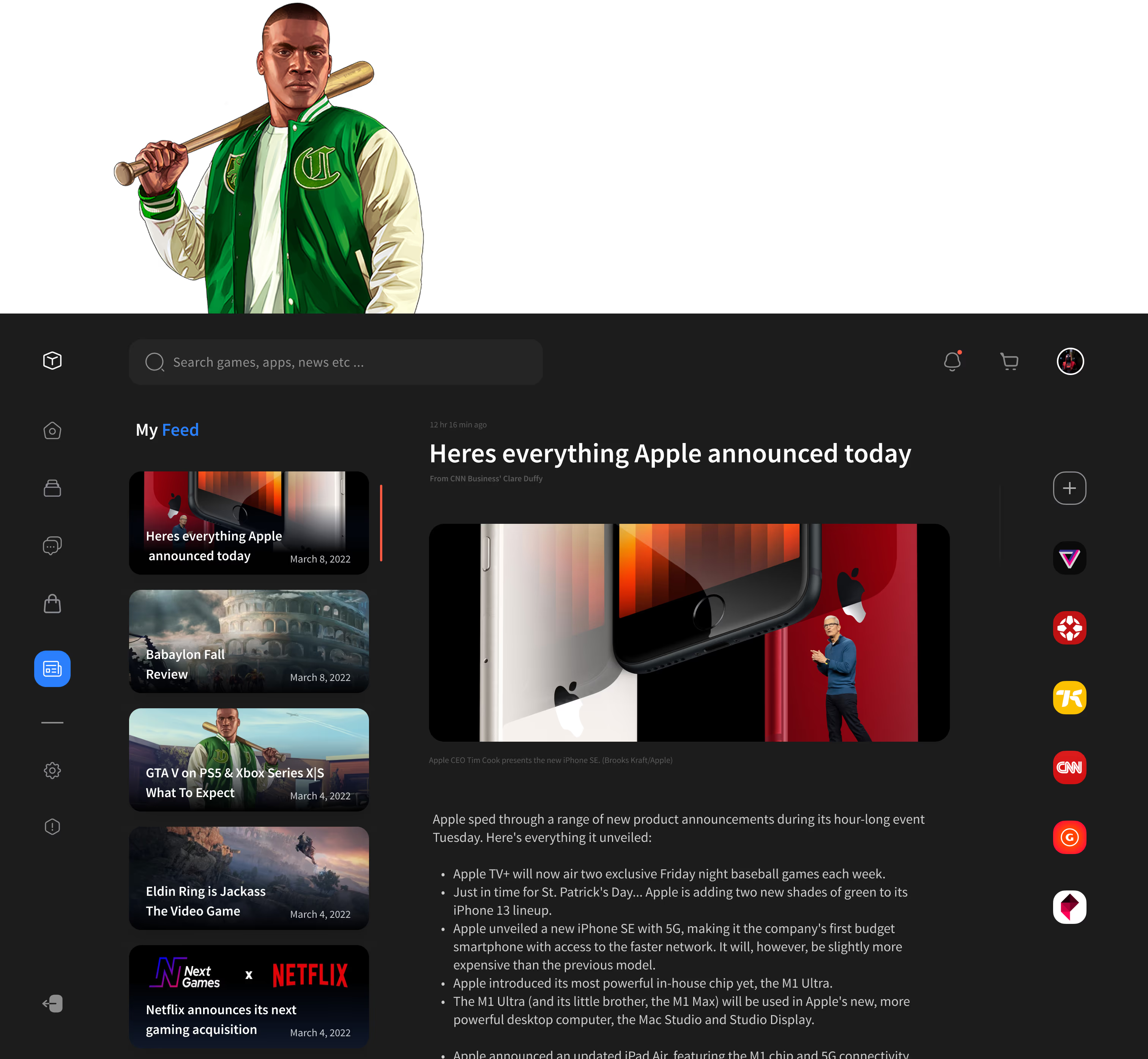
Video game character holding a baseball bat over his shoulder, wearing a green and white varsity jacket.
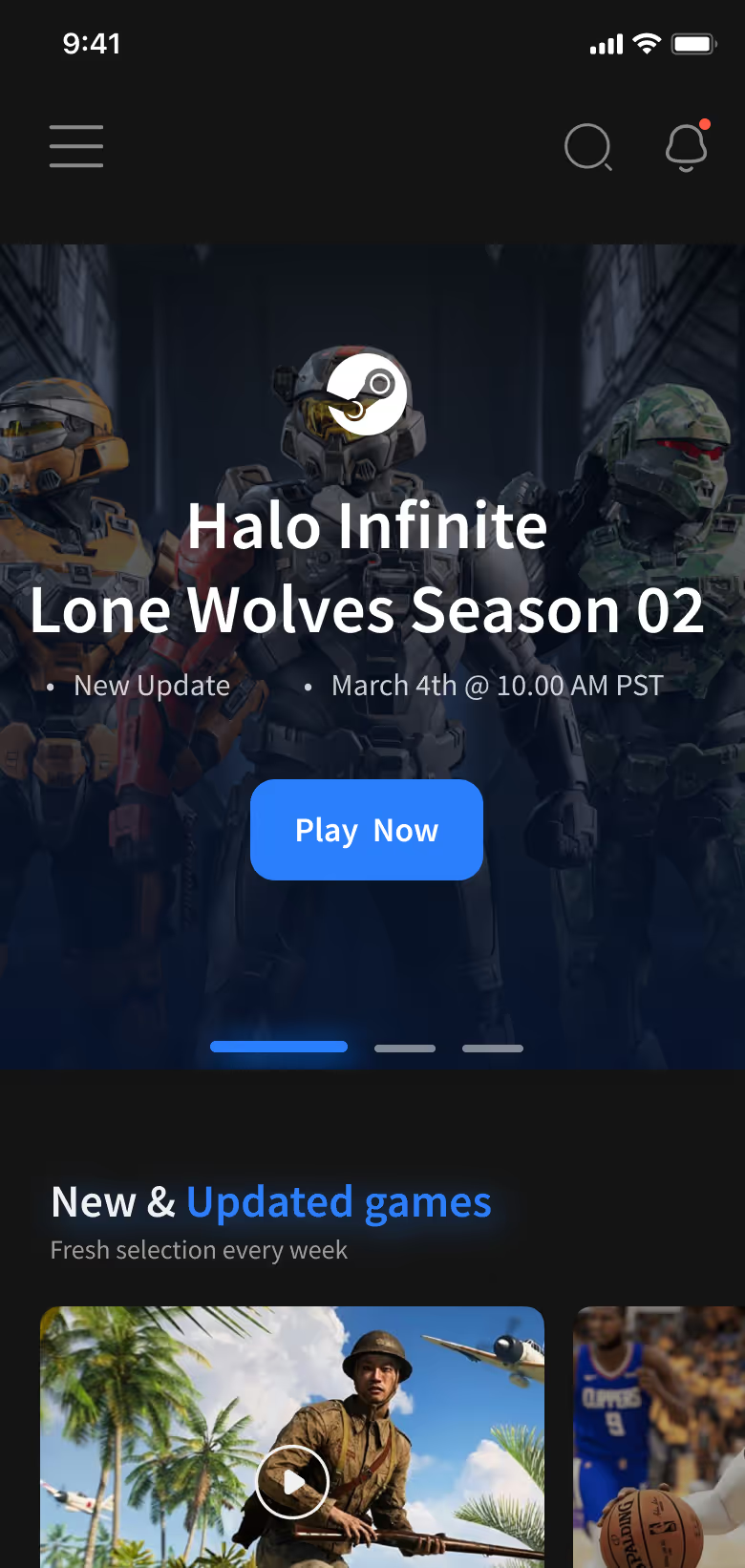
Mobile game app screen showing Halo Infinite Lone Wolves Season 02 update with Play Now button and a section for new and updated games.
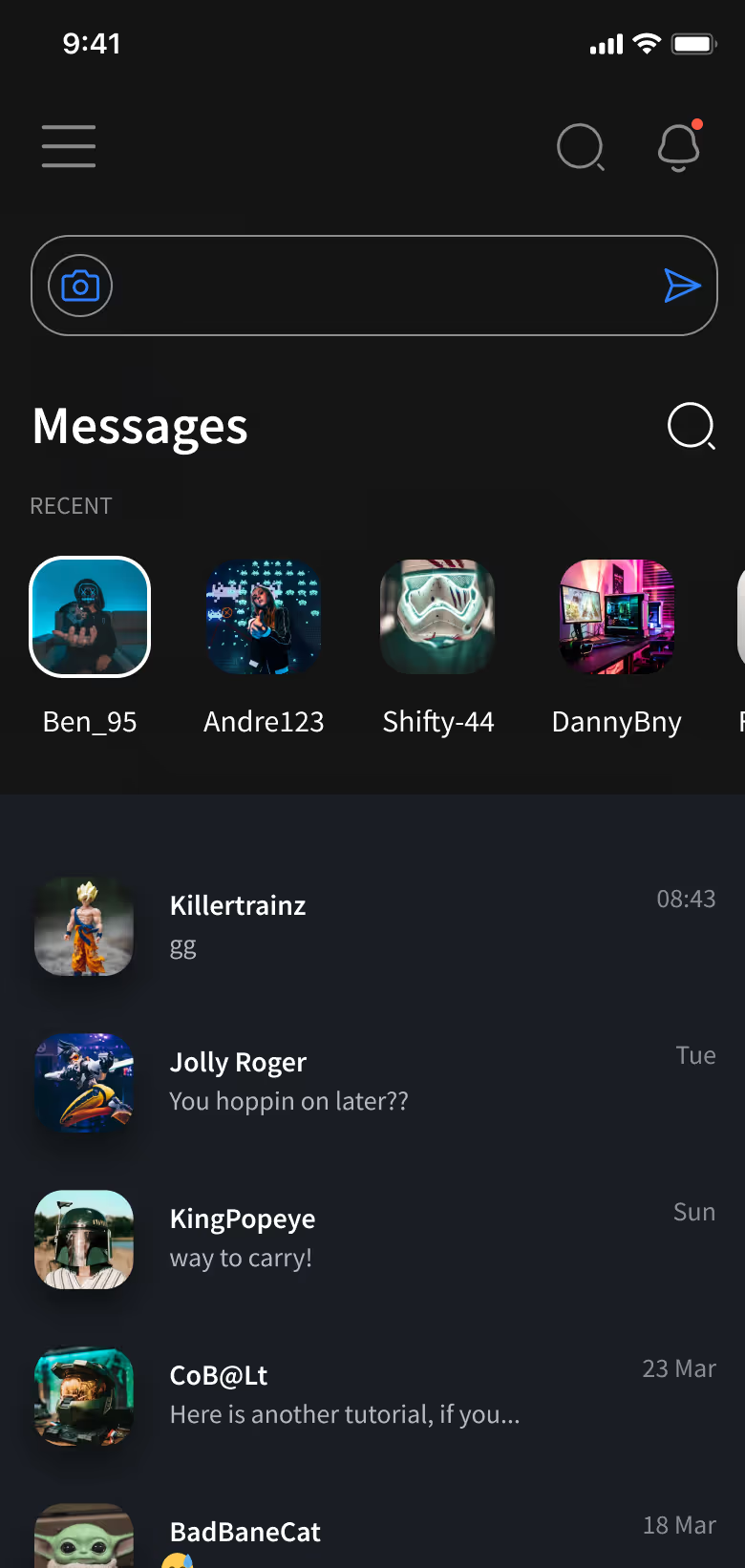
Dark-themed mobile messaging app showing recent chats with user icons, usernames, message previews, and timestamps.
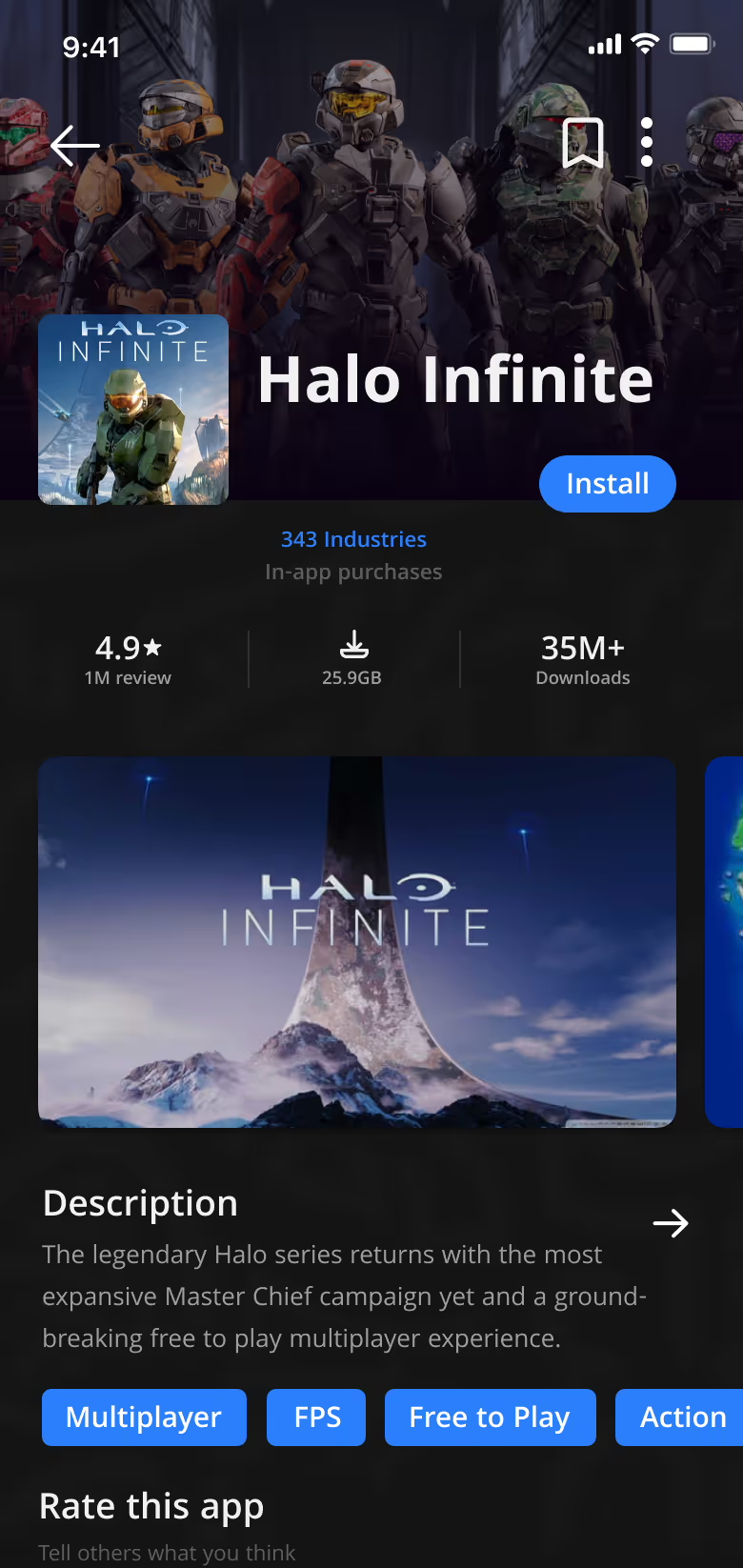
App store page for Halo Infinite showing characters in futuristic armor, with install button and game details.
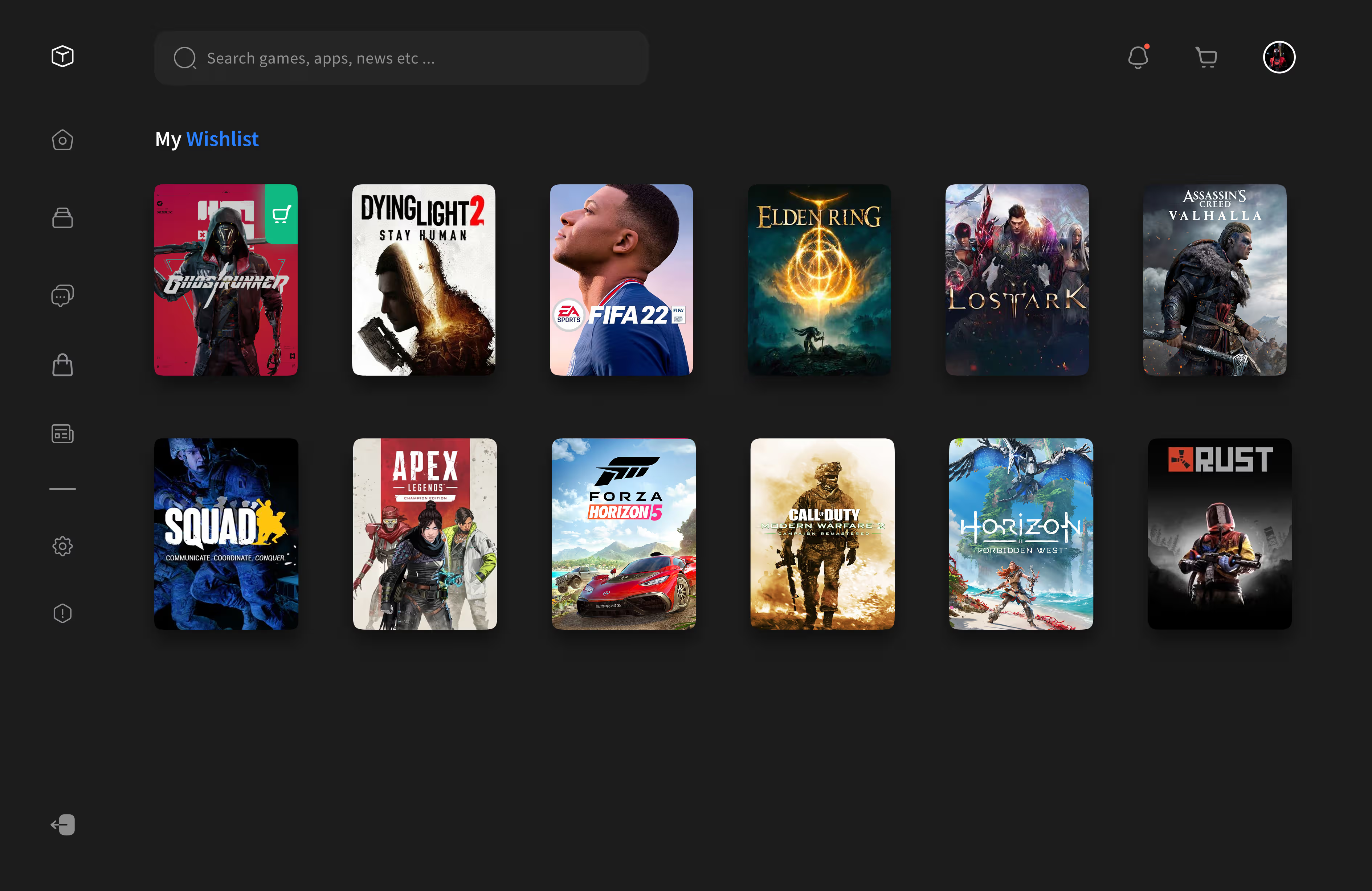
User interface showing a wishlist of twelve video game covers including Ghostrunner, Dying Light 2, FIFA 22, Elden Ring, Lost Ark, Assassin's Creed Valhalla, Squad, Apex Legends, Forza Horizon 5, Call of Duty Modern Warfare 2, Horizon Forbidden West, and Rust.
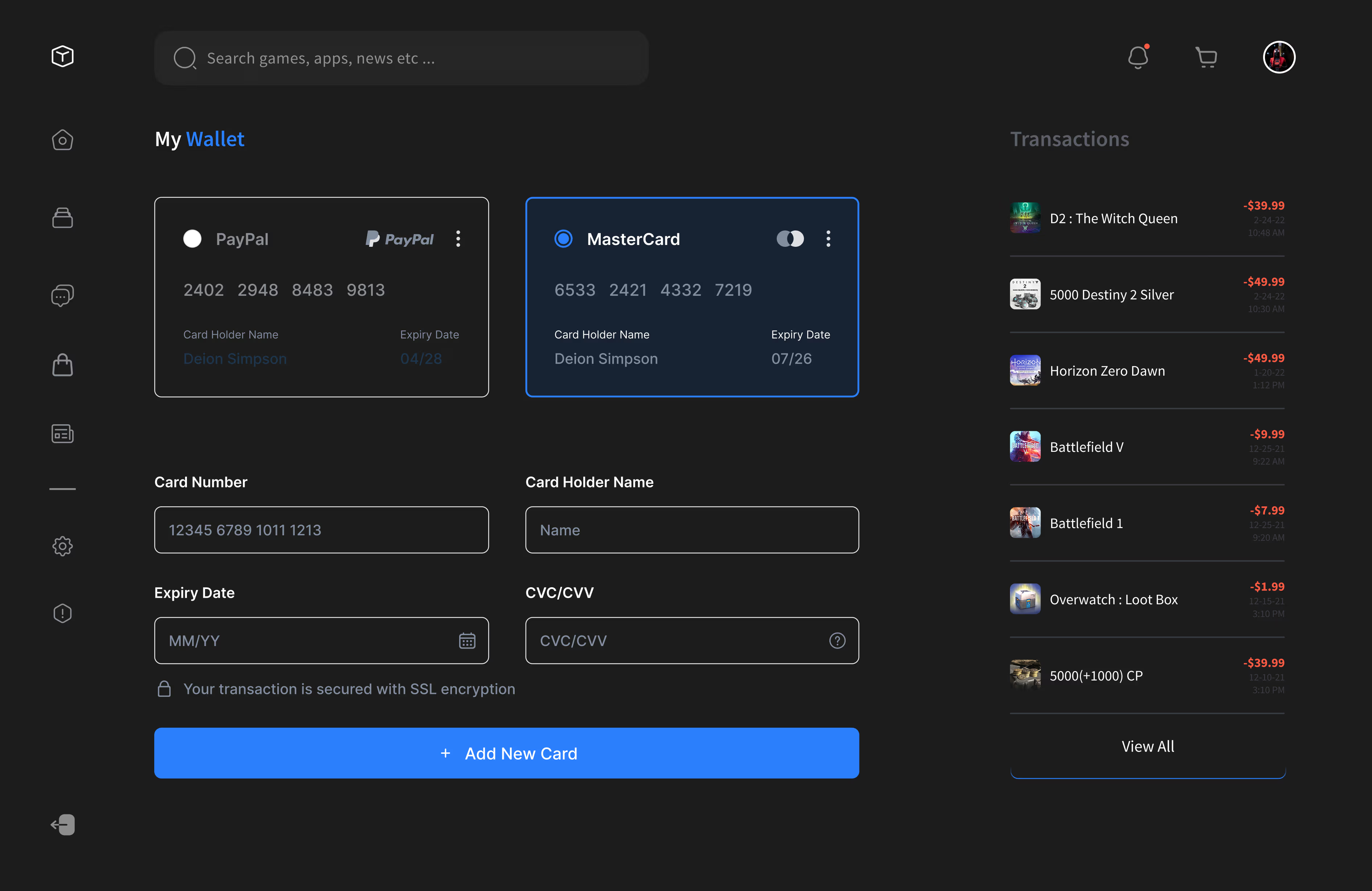
Dark-themed digital wallet interface showing PayPal and MasterCard options, input fields for card details, and recent gaming transactions with amounts.
Video game store interface displaying Horizon Forbidden West with gameplay images and purchase options on a dark background with Aloy aiming a bow and a robotic creature.
Next Project
South bay Skates